
Join a quiz
A live quiz is a game your whole class plays together. Your teacher shows a game code on the screen. You use it to join.
Join step by step
Section titled “Join step by step”- Open the Lubna page your teacher gave you, or go to Join a quiz.
- Type the 6-character game code from your teacher’s screen. Tap Next.
- Pick how you want to join:
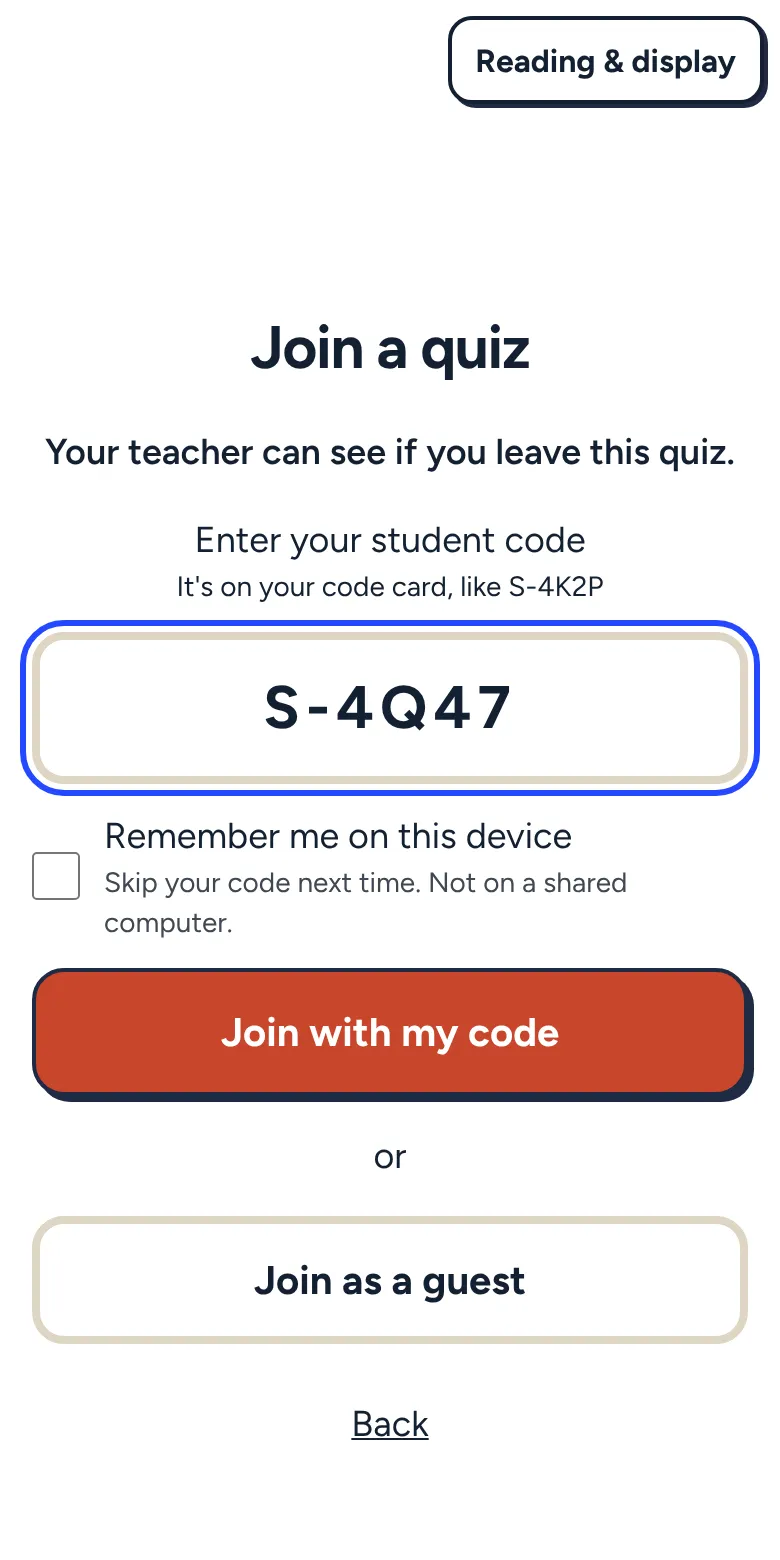
- Type your student code (it looks like S-4K2P) and tap Join with my code. It is on your code card from your teacher.
- If you are signed in or remembered on this device, tap the Join as button with your nickname.
- Tap Join as a guest if your teacher says that is fine.
- Wait for your teacher to start. You will see You’re in! with your avatar and nickname.
Your nickname
Section titled “Your nickname”The name you see is your nickname, not your real name. Your classmates see it too. You can pick your own nickname.
Answering questions
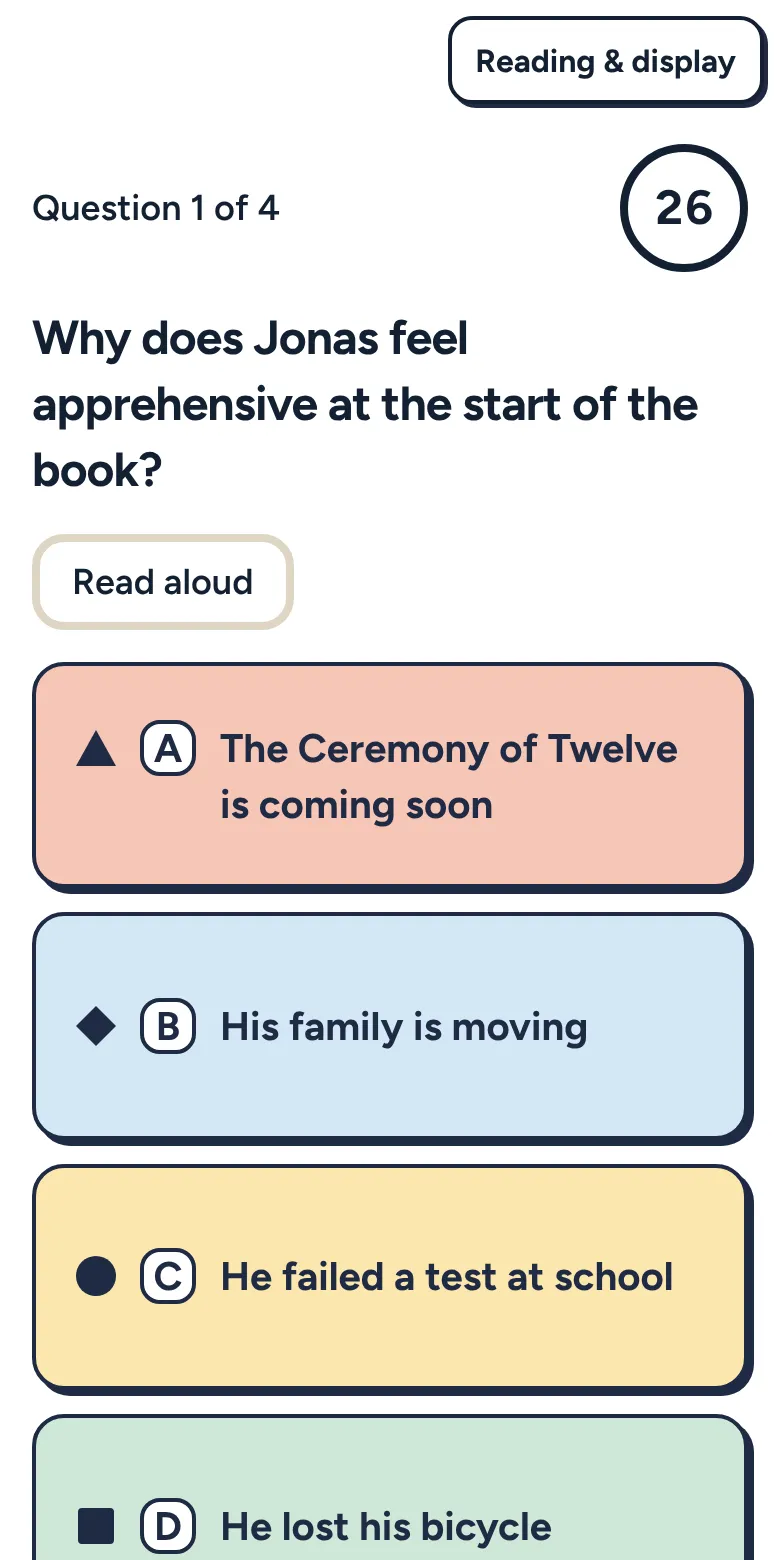
Section titled “Answering questions”Each question shows on your screen. Tap an answer, or type it, then tap Submit answer. Some questions let you pick more than one answer, or put things in order. A clock counts down at the top, so keep an eye on it.
Need help reading? Tap Read aloud and the question is read to you.
After you answer, you will see Answer sent. Then everyone waits for the question to end.
Feedback after each question
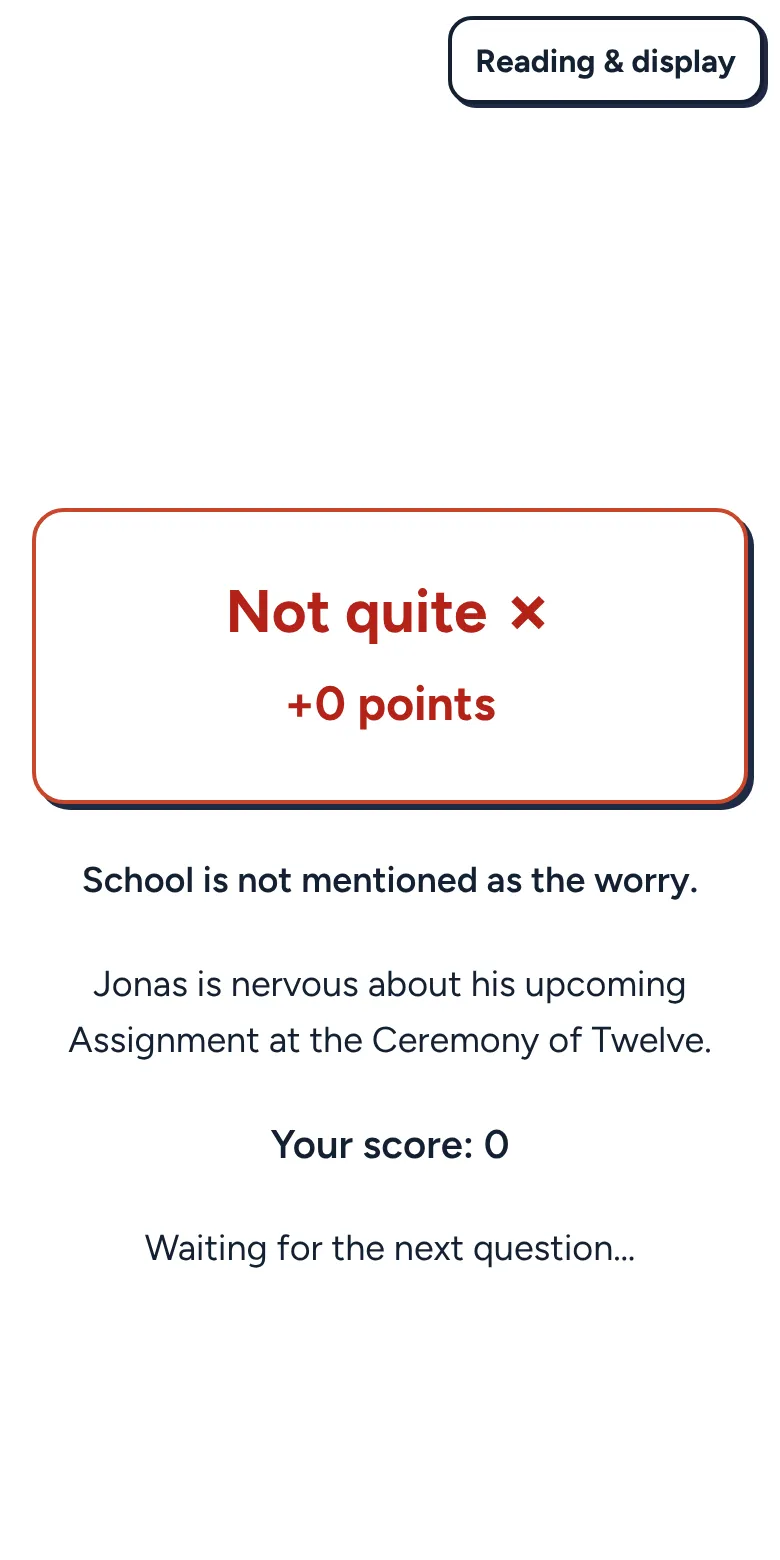
Section titled “Feedback after each question”When time is up, you see how you did:
- Correct! Nice job.
- Not quite. Look at the right answer and learn from it.
- Your teacher will check this one. Written answers are checked later.
A second try
Section titled “A second try”Sometimes your teacher lets you try again. You will see Not quite, try once more. Pick a new answer. If you want to stay with your first answer, tap Keep my answer.
Team mode
Section titled “Team mode”In team mode you play for a team. You will see your team name and color. After each question you can see how your team is doing. You are helping the whole team, so cheer each other on.
“Your teacher can see if you leave this quiz”
Section titled ““Your teacher can see if you leave this quiz””Sometimes you see this note before you join. It means your teacher turned on a setting that shows when someone leaves the quiz page, like switching to another tab, or pastes into a written answer. It does not change your score. If you come back, you will see a small note that says your teacher can see that you left. Tap OK and keep going.